FAST_LIO_SLAM#
什么是 FAST_LIO_SLAM?#
- FAST_LIO_SLAM 是 FAST_LIO 和 SC-PGO 的集成,即基于扫描上下文的环路检测和基于 GTSAM 的姿势图优化.
存储库信息#
原始仓库 link#
https://github.com/gisbi-kim/FAST_LIO_SLAM
必需的传感器#
- LIDAR [Livox, Velodyne, Ouster]
- IMU [6-AXIS, 9-AXIS]
- GPS [OPTIONAL]
ROS 兼容性#
- ROS 1
依赖#
- ROS
- PCL
- GTSAM
wget -O ~/Downloads/gtsam.zip https://github.com/borglab/gtsam/archive/4.0.0-alpha2.zip
cd ~/Downloads/ && unzip gtsam.zip -d ~/Downloads/
cd ~/Downloads/gtsam-4.0.0-alpha2/
mkdir build && cd build
cmake ..
sudo make install
- PCL >= 1.8, Follow PCL Installation.
- Eigen >= 3.3.4, Follow Eigen Installation.
构建并运行#
1) 构建#
    mkdir -p ~/catkin_fastlio_slam/src
    cd ~/catkin_fastlio_slam/src
    git clone https://github.com/gisbi-kim/FAST_LIO_SLAM.git
    git clone https://github.com/Livox-SDK/livox_ros_driver
    cd ..
    catkin_make
    source devel/setup.bash
2) 设置参数#
- 在
Fast_LIO/config/ouster64.yaml上设置 imu 和 lidar 主题
3) 运行#
    # terminal 1: run FAST-LIO2
    roslaunch fast_lio mapping_ouster64.launch

    # open the other terminal tab: run SC-PGO
    cd ~/catkin_fastlio_slam
    source devel/setup.bash
    roslaunch aloam_velodyne fastlio_ouster64.launch

    # play bag file in the other terminal
    rosbag play xxx.bag -- clock --pause
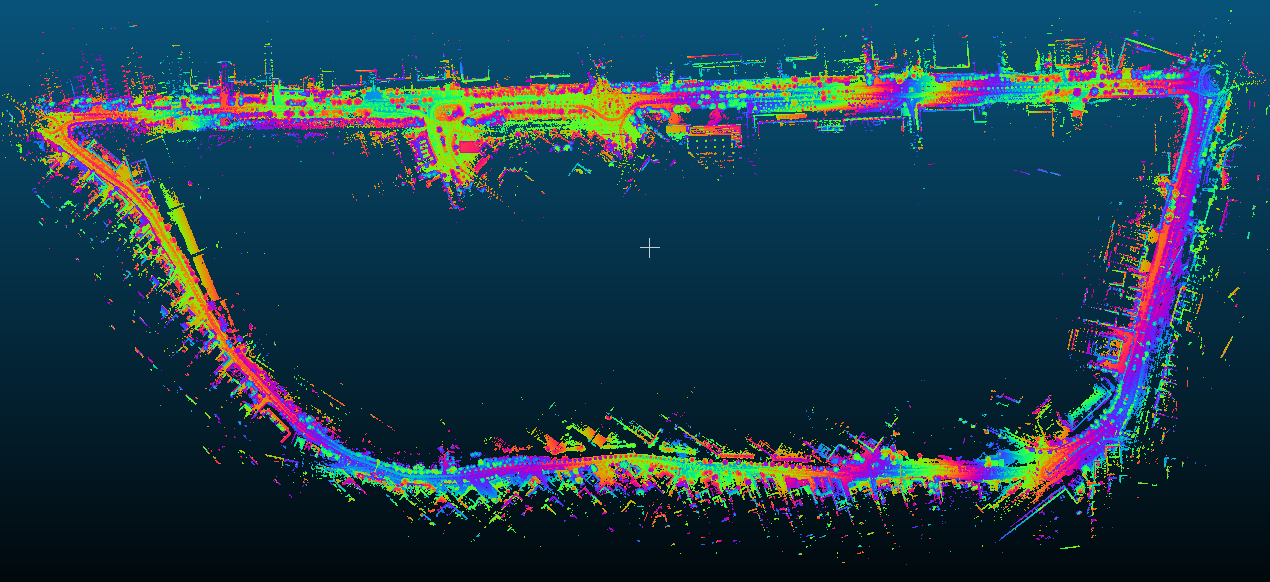
示例结果#
其他示例#
-
Tutorial video 1 (using KAIST 03 sequence of MulRan dataset)
- 示例结果捕获
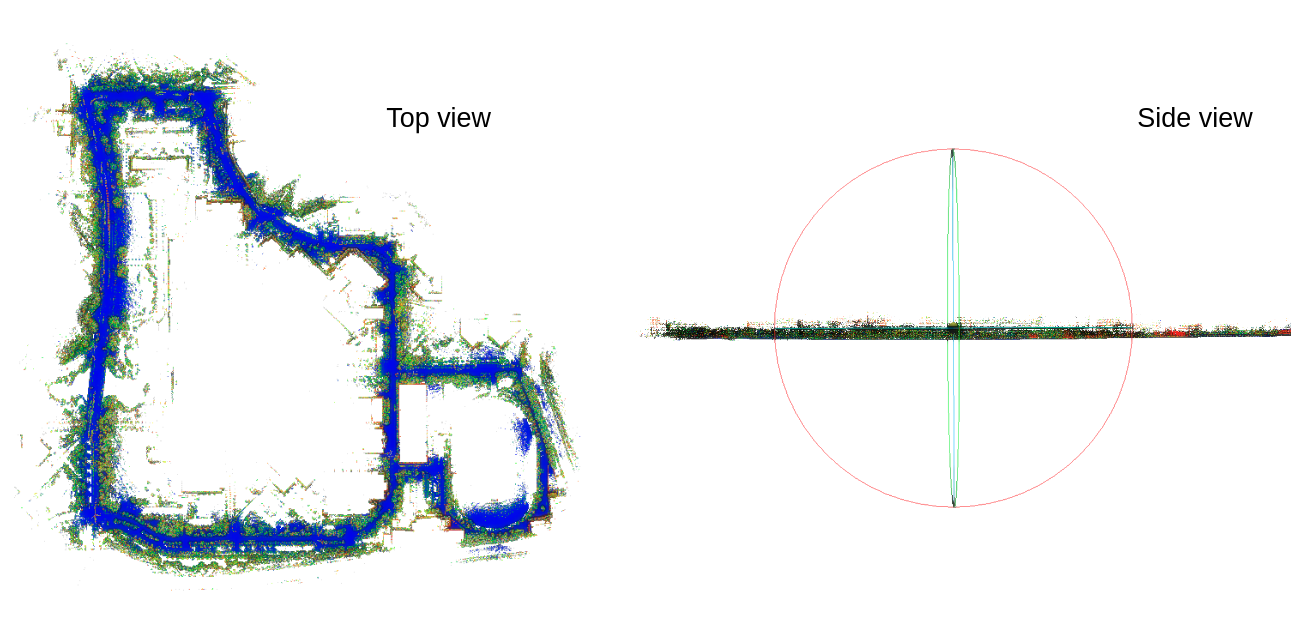
- download the KAIST 03 pcd map made by FAST-LIO-SLAM, 500MB
- 示例结果捕获
- Example Video 2 (Riverside 02 sequence of MulRan dataset)
- 示例结果捕获
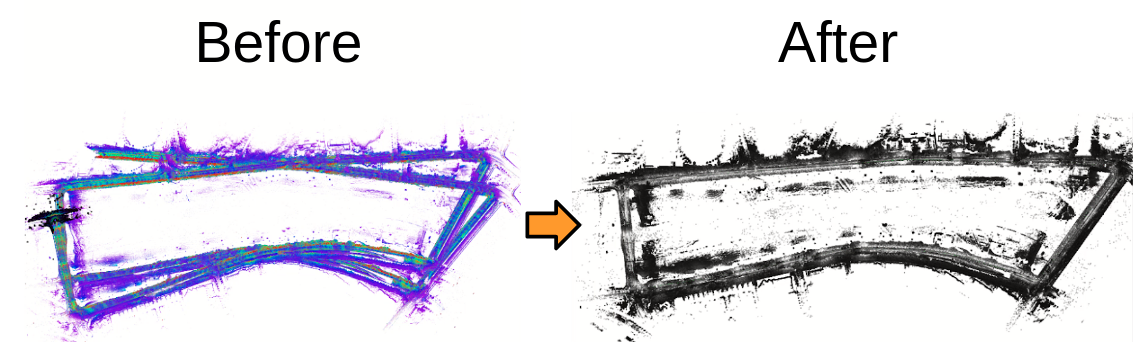
- download the Riverside 02 pcd map made by FAST-LIO-SLAM, 400MB
- 示例结果捕获
确认#
- 感谢 FAST_LIO 的作者.
- 您可能对 此版本的 FAST-LIO + Loop closure 感兴趣,由 yanliang-wang 实现
- 维护者:Giseop Kim (
paulgkim@kaist.ac.kr)