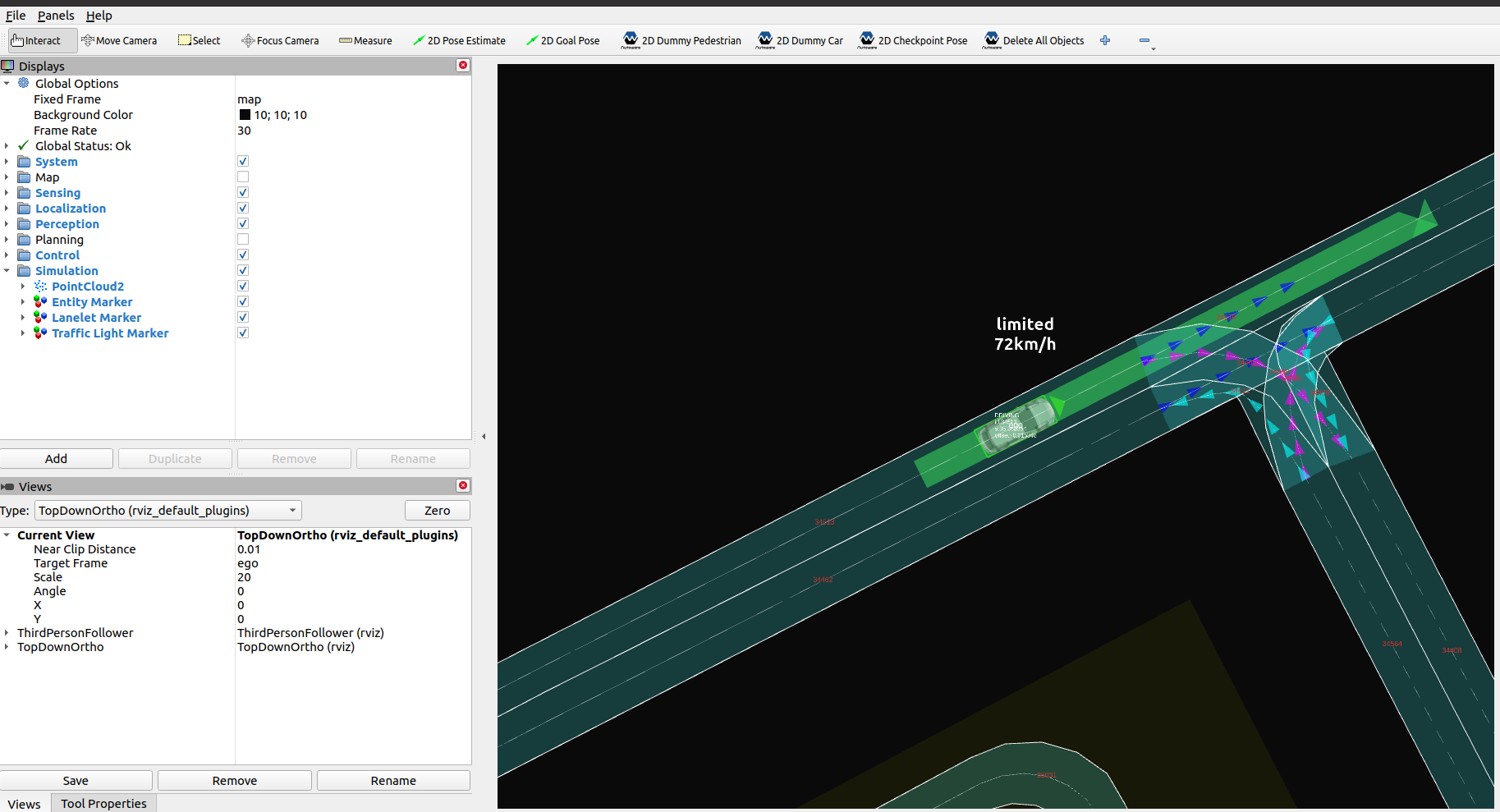
情景测试模拟#
注意
除了构建和安装 Autoware 之外,运行 场景仿真(Scenario Simulator) 还需要一些额外的步骤,因此请确保在继续之前先完成场景仿真 安装.
运行步骤#
-
移动到已构建 Autoware 和 场景仿真(Scenario Simulator) 的工作区目录.
-
获取工作区设置脚本:
source install/setup.bash -
运行模拟:
ros2 launch scenario_test_runner scenario_test_runner.launch.py \
  architecture_type:=awf/universe/20240605 \
  record:=false \
  scenario:=`$(find-pkg-share scenario_test_runner)/scenario/sample.yaml` \
  sensor_model:=sample_sensor_kit \
  vehicle_model:=sample_vehicle